About Mobile JoyYou Card
Add JoyYou Card to Your Mobile Phone for More Convenient Travel and Payments
JoyYou Card is now available as Mobile Octopus on both iPhone and Android¹! Use Mobile JoyYou Card to travel and make pay fares and payments at merchants accepting Octopus, while enjoying the $2 Scheme. It is as simple to use as a physical card:
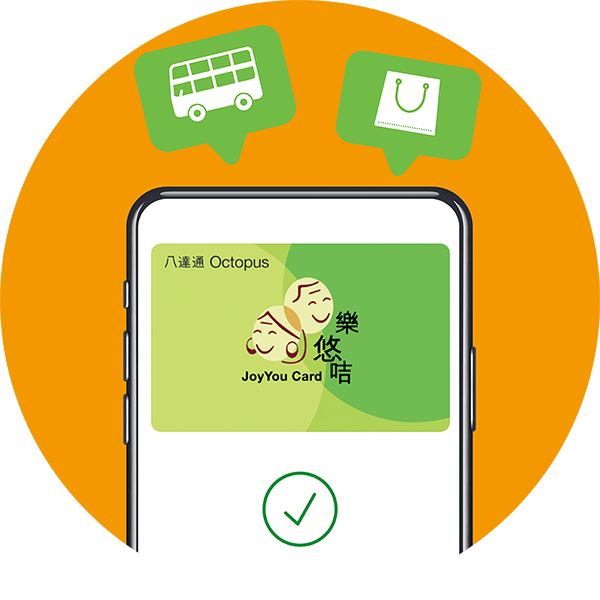
There is no need to unlock the mobile phone or open any mobile app when paying.
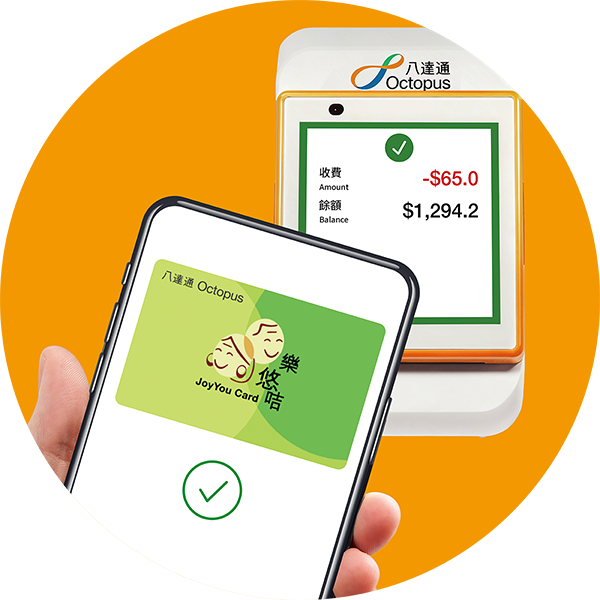
Tap the mobile phone on an Octopus reader as usual.
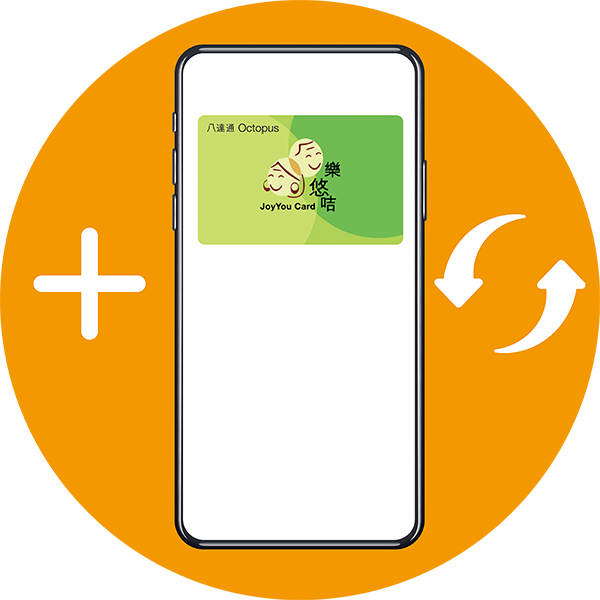
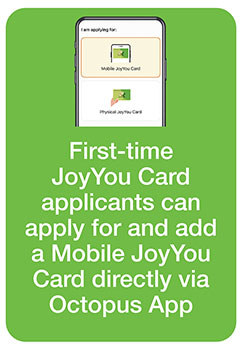
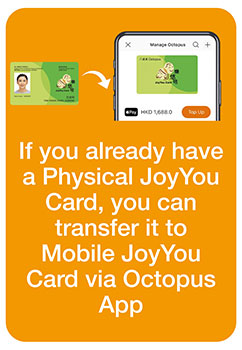
Apply for Mobile JoyYou Card through the Octopus App, or transfer an existing Physical JoyYou Card to Mobile JoyYou Card. ² ³
Before Switching to Mobile JoyYou Card, Confirm That:
The mobile phone and operating system meet the compatibility requirements¹.
The “iAM Smart” app has been downloaded and logged in.
The latest version of the Octopus App has been downloaded.
You Can Also:
- Back up and restore the Mobile JoyYou Card when changing phones.
- Handle a malfunctioned or lost Mobile JoyYou Card.
Please note:
Other On-Loan Physical Octopus cards, apart from a Physical JoyYou Card, cannot currently be transferred directly to a Mobile JoyYou Card. If you hold an On-Loan Physical Octopus and would like to continue using the deposit, remaining value and other services stored on the card with a Mobile JoyYou Card, first apply for a Physical JoyYou Card and use the “Easy Transfer” Service at an Octopus Service Point to transfer them to the Physical JoyYou Card. After completing the “Easy Transfer” Service, use the Octopus App to transfer the Physical JoyYou Card to a Mobile JoyYou Card.
¹ iPhone: iPhone 8 / iPhone 8 Plus or later with the latest version of iOS; Android Phone: Phones equipped with NFC functionality, running Android 12 or above, or EMUI 13 or above, sold by authorised retailers in Hong Kong. Click here for more details about Android phone models that have been tested and demonstrated good performance. Click here for more details about unsupported Android phone models. Mobile JoyYou Card is not applicable to Apple Watch and other smart watches.
² After the Physical JoyYou Card is transferred to Mobile JoyYou Card, your original Physical JoyYou Card will be disabled immediately and its card number will become invalid. The invalid Physical JoyYou Card cannot be used as proof of eligibility for the $2 Scheme. An eligible beneficiary of the $2 Scheme may hold only one valid JoyYou Card at any time, whether it is a Physical JoyYou Card or a Mobile JoyYou Card.
³ Transferable services include deposit and remaining value on the Octopus, valid “Persons with Disabilities Status”, uncollected subsidy under the Public Transport Fare Subsidy Scheme, KMB Monthly Pass, Sun Ferry Monthly Ticket / Holiday Return Ticket, Citybus Fare Concessions, Automatic Add Value Service, and access control, etc. Click here for more details.
What Would You Like to Do?
| Your Situation | Action |
|---|---|
| I do not yet have a JoyYou Card. | Apply for a new Mobile JoyYou Card or a Physical JoyYou Card. |
| My Mobile JoyYou Card application has been approved. | Add the approved Mobile JoyYou Card to the mobile phone. |
| I already have a Physical JoyYou Card. | Transfer the existing Physical JoyYou Card to Mobile JoyYou Card. |
| I am changing my mobile phone. | Back up the card on the original mobile phone, then restore it on the new mobile phone. |
| I need assistance. | My Mobile JoyYou Card is malfunctioned or lost. Go to Mobile JoyYou Card FAQs. |
Helping a Family Member?
Family members or carers may assist with reading and completing the steps. Where identity verification is required, the applicant must use the applicant’s own mobile phone and an “iAM Smart” account.