Anonymous Octopus
Replacement procedures for Anonymous Octopus
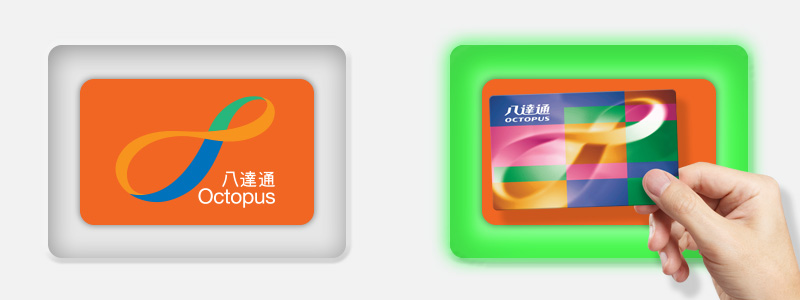
- Go to the Octopus Service Point and press “Card Replacement” on the main menu, then place the Octopus to be replaced on the right reader with indicator light on.
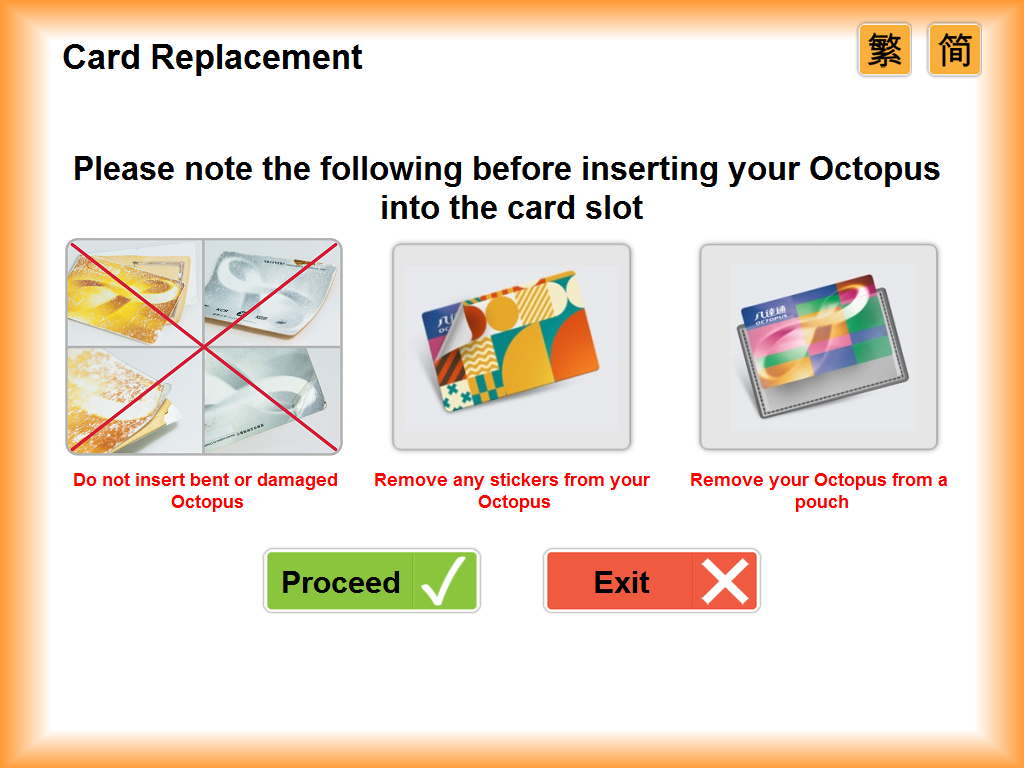
- Read the notes carefully, then press “Proceed”.
- Follow the indicator light to insert the Octopus placed on the right reader into the blue card slot at the lower left side. Note: This Octopus will be retained after successful card replacement.

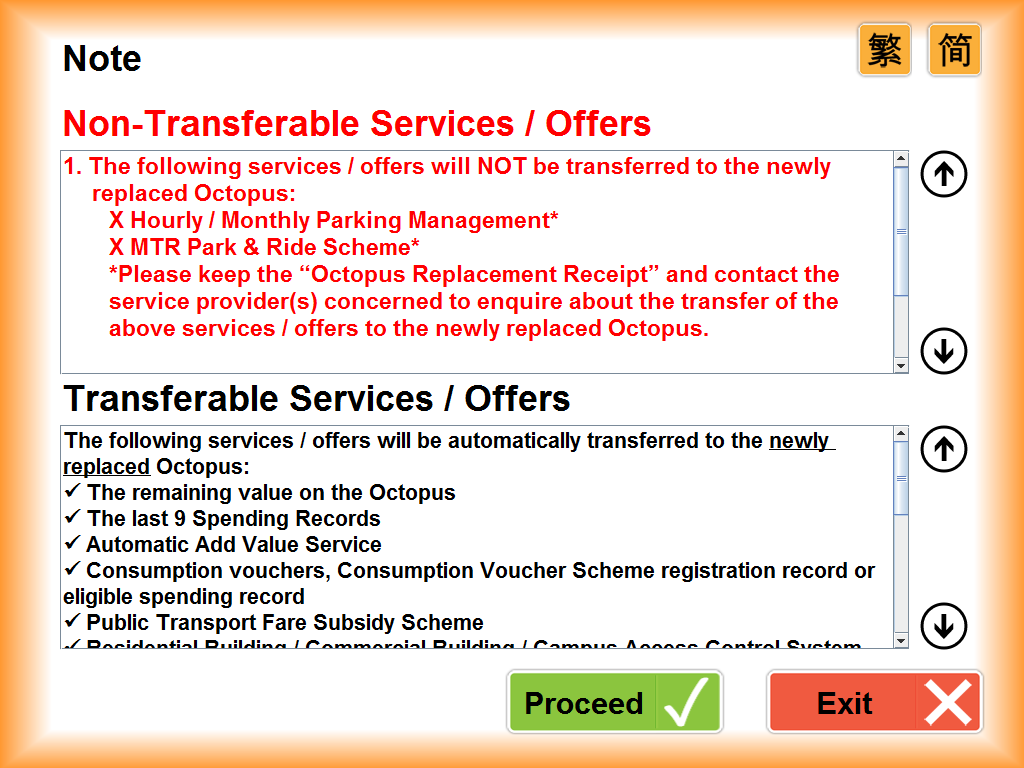
- Read the list of transferrable and non-transferrable services / offers carefully, then press “Proceed”.
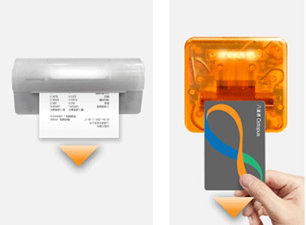
- Collect the receipt and your new On-Loan Octopus from the orange slot with indicator light on after card transfer is completed.