Step 1
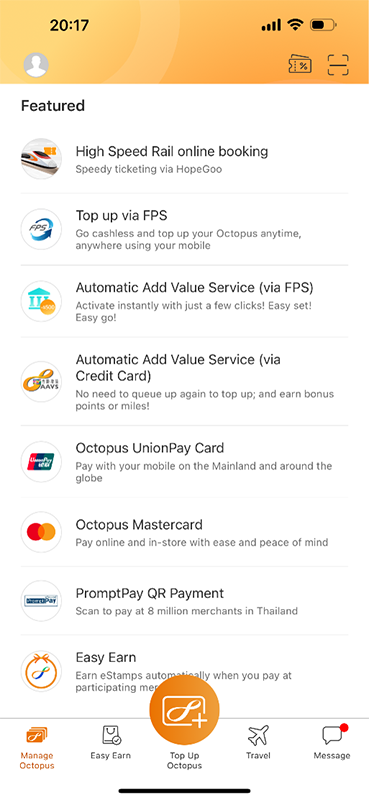
In the Octopus App, “Quick Actions” > “All Actions” > tap “Octopus UnionPay Card” under “Transfer & Pay”.
If you've got any questions about how we can make your life easier, please check out our FAQ.
OKThe transaction history of your UnionPay Card will be shown in the “Octopus UnionPay Card” page.
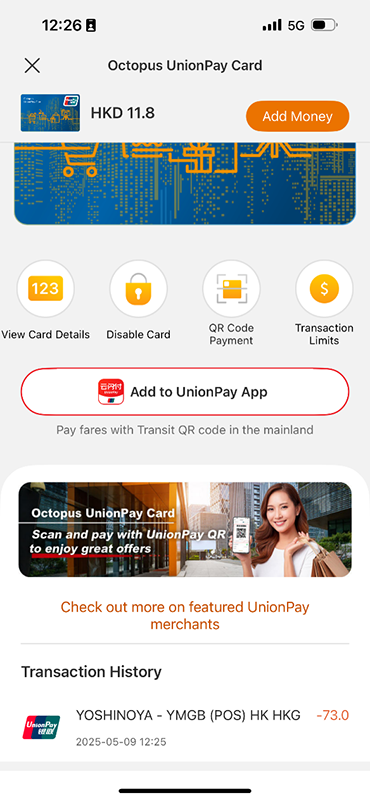
You can turn on or off your Octopus UnionPay Card with one click to decide when you want to spend with the card.
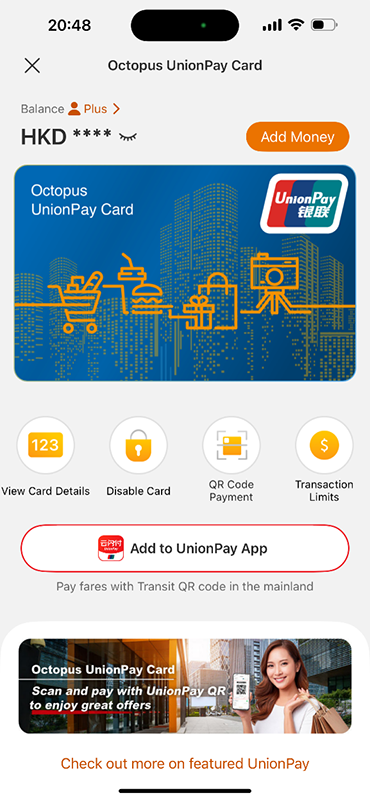
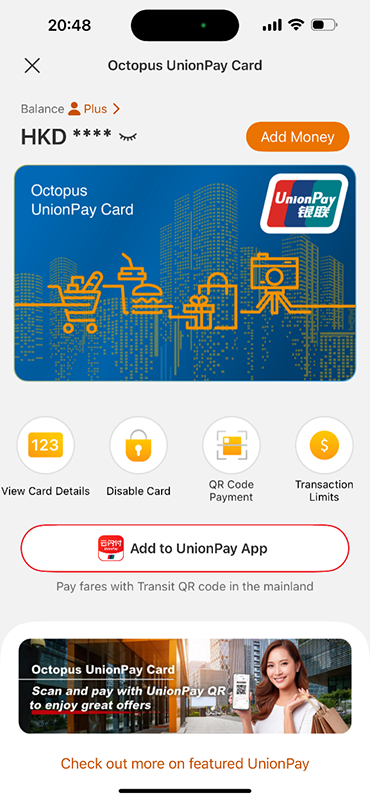
Your Octopus UnionPay Card will be changed to standby mode if you have not used it for 12 months. Simply tap the "Enable" button via the Octopus App to make payment again. Please see How can I enable or disable Octopus UnionPay Card? for more details.
For your protection, we will cancel your Octopus UnionPay Card if it is not used for 13 consecutive months. If you want to use Octopus UnionPay Card again in the future, you may instantly set up a new one with just a few clicks in the Octopus App.
If you change your mobile device, you don't need to transfer your Octopus UnionPay Card. Your Octopus UnionPay Card information will be shown once you successfully login your Octopus Wallet in your new mobile device given your mobile number remains unchanged.